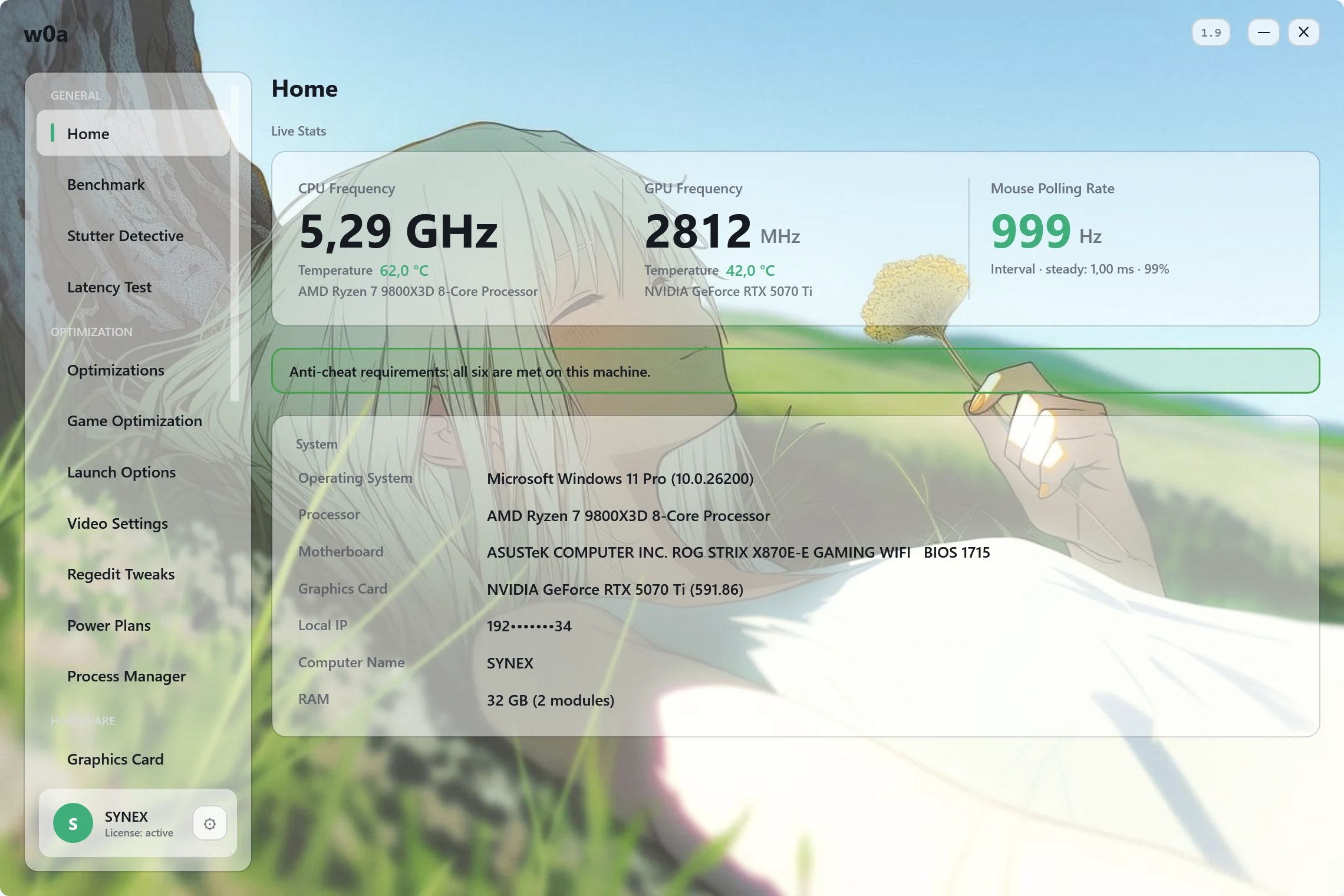
What it needs
Windows 10 version 1607 (build 14393) or newer, or Windows 11, on a 64-bit Intel or AMD processor — Windows on ARM is not supported. On an older build, or on an ARM device, it says so and closes rather than half-working. It needs to be run as administrator, because the settings it changes are machine-wide: right-click the file, "Run as administrator". There is no installer and nothing is written to Program Files — the executable is the whole application.
Check what you downloaded
Every published build has a SHA-256 digest, printed on this page under the download button once the build is up. Compare it before you run the file:
Get-FileHash .\w0a-*.exe -Algorithm SHA256
If the two strings do not match character for character, delete the file — whatever you have is not what we published. The application also checks the digest of its own updates before installing them.
Download only from here
The only place we link the file is this site; the file itself is hosted on our own GitHub releases page. w0a.org and w0a.io are ours as well and redirect here; anything else offering "w0a" — a mirror, a download portal, a wrapped installer — is not us and we cannot vouch for what it hands you. A tool that runs elevated and writes to the registry is exactly the kind of thing worth being careful about.
The SmartScreen warning, and why it appears
On first run Windows may show a blue "Windows protected your PC" box. That is SmartScreen: it appears for files Windows has not yet seen run on many PCs, and a new release has no such history yet — not because anything was found in the file. If you downloaded from this site and the digest matched: More info → Run anyway. It stops appearing on its own as more people run the file. We would rather explain this honestly than tell you to switch a security feature off.
Some antivirus products flag any program that edits the registry and adjusts process priorities, on heuristics rather than on a signature. If yours removes the file, the support page below explains what to check and how to report a false positive.
If your antivirus removed the file
What works without paying
The free tier is not a demo. Live sensors, the Benchmark with its before/after pairs, the 40-switch Optimizations page, CS2 launch options and video config, DNS and ping tests, the Fix repair cards, startup manager, uninstaller, update checks, log cleaning and the full backup and revert system all work with no licence at all. A plan opens the ten pages that go deeper.
Age
You must be at least 16 years old to use w0a. If you are under 18, only with your parent's or guardian's consent.
If something goes wrong
The support centre has a page for each of the usual first-run problems, and every one of them is written before you need it rather than after.